

One system for the whole restaurant
Everything Xenia does, area by area, from taking the order to issuing the KRA receipt.
Everything your restaurant runs on
Point of sale, payments, the kitchen, inventory and reporting work together in a single system, from the first order to the KRA receipt.
Point of Sale
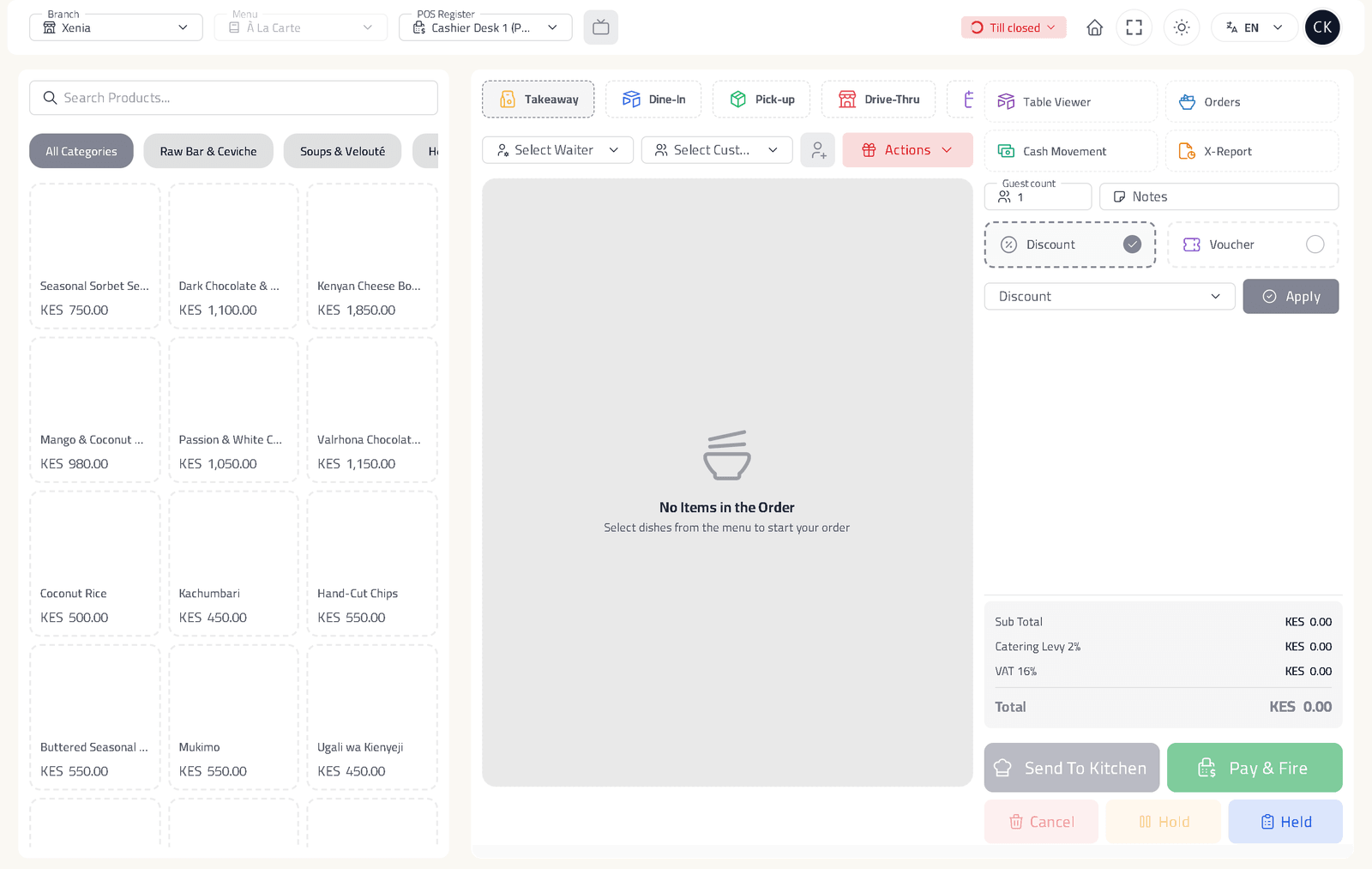
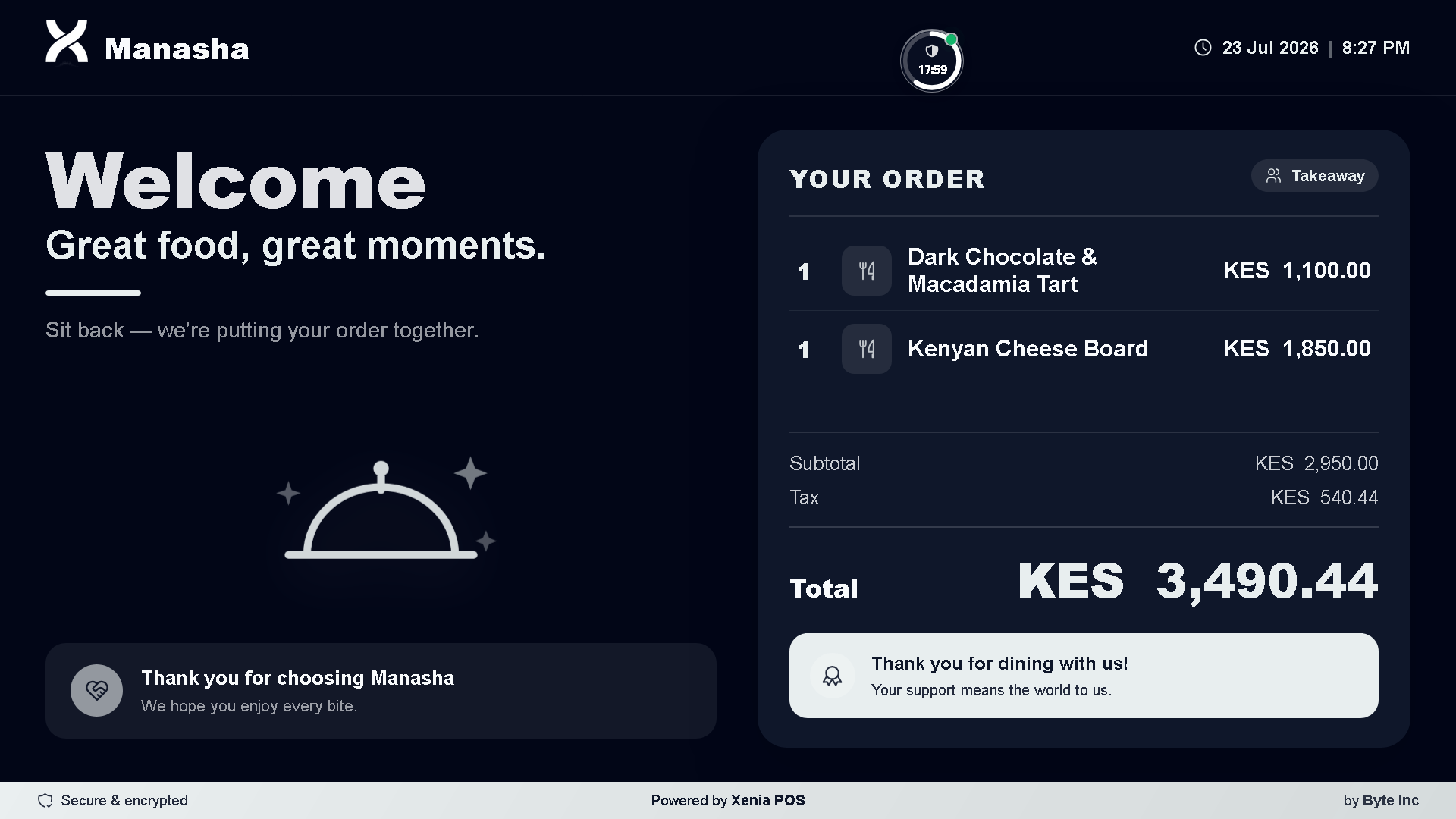
Take orders for dine‑in, takeaway, pick‑up and drive‑thru. Manage tables and floors, split bills, add rounds and edit orders at any time.
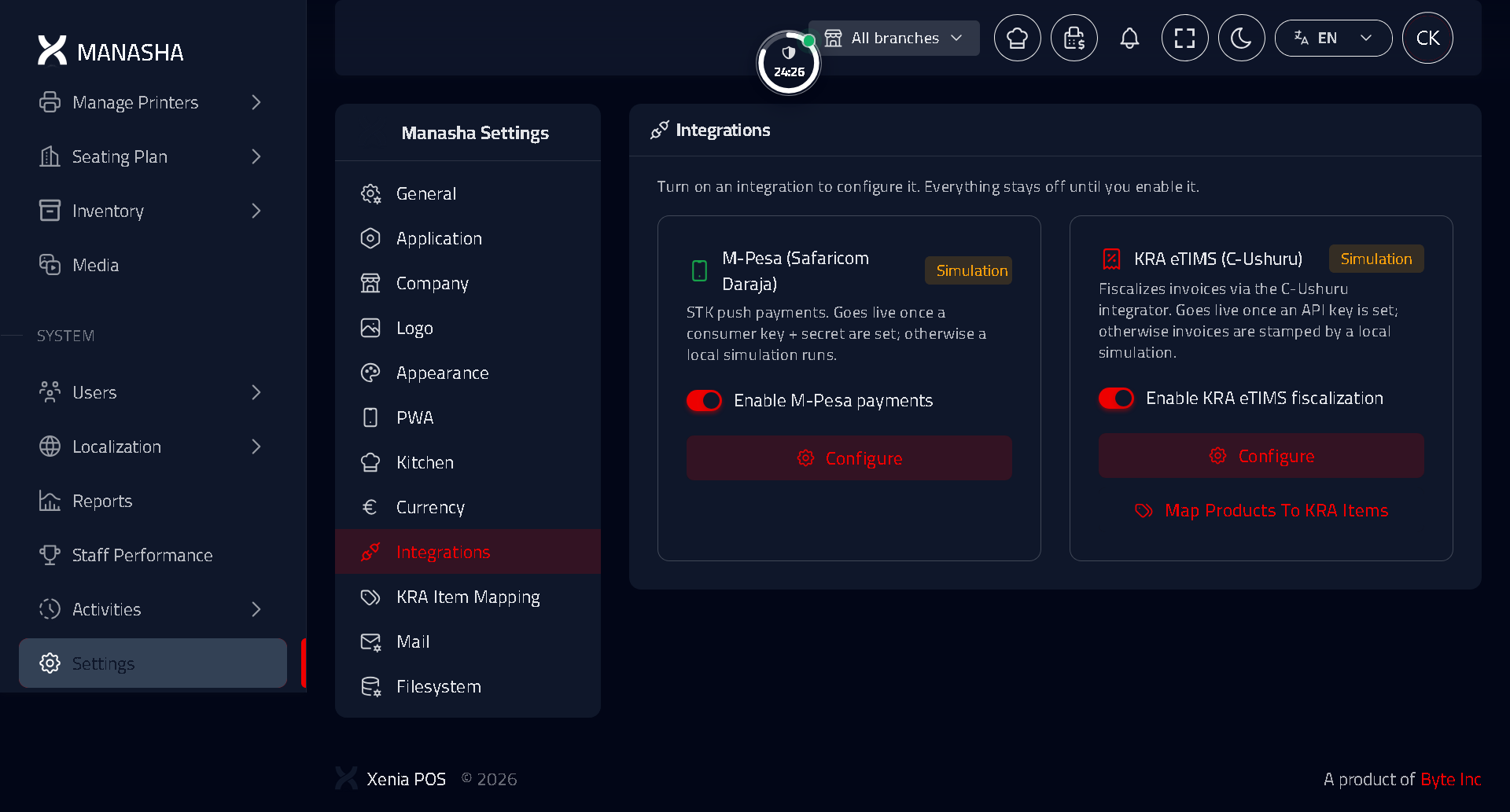
M‑Pesa payments
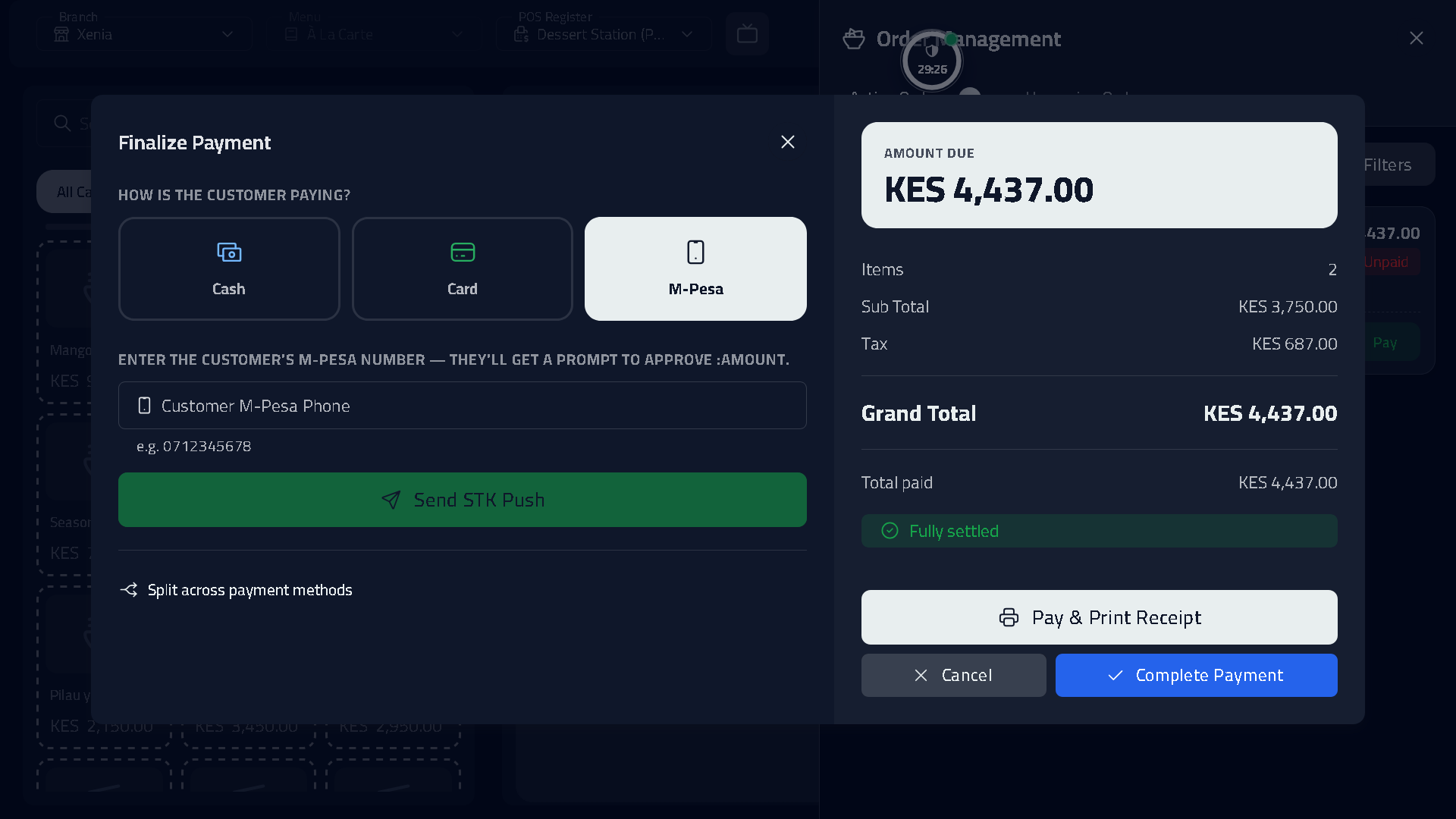
Send the bill to the customer's phone by M‑Pesa, and payments are matched to the order automatically. Cash, card and split payments are supported.
KRA eTIMS invoicing
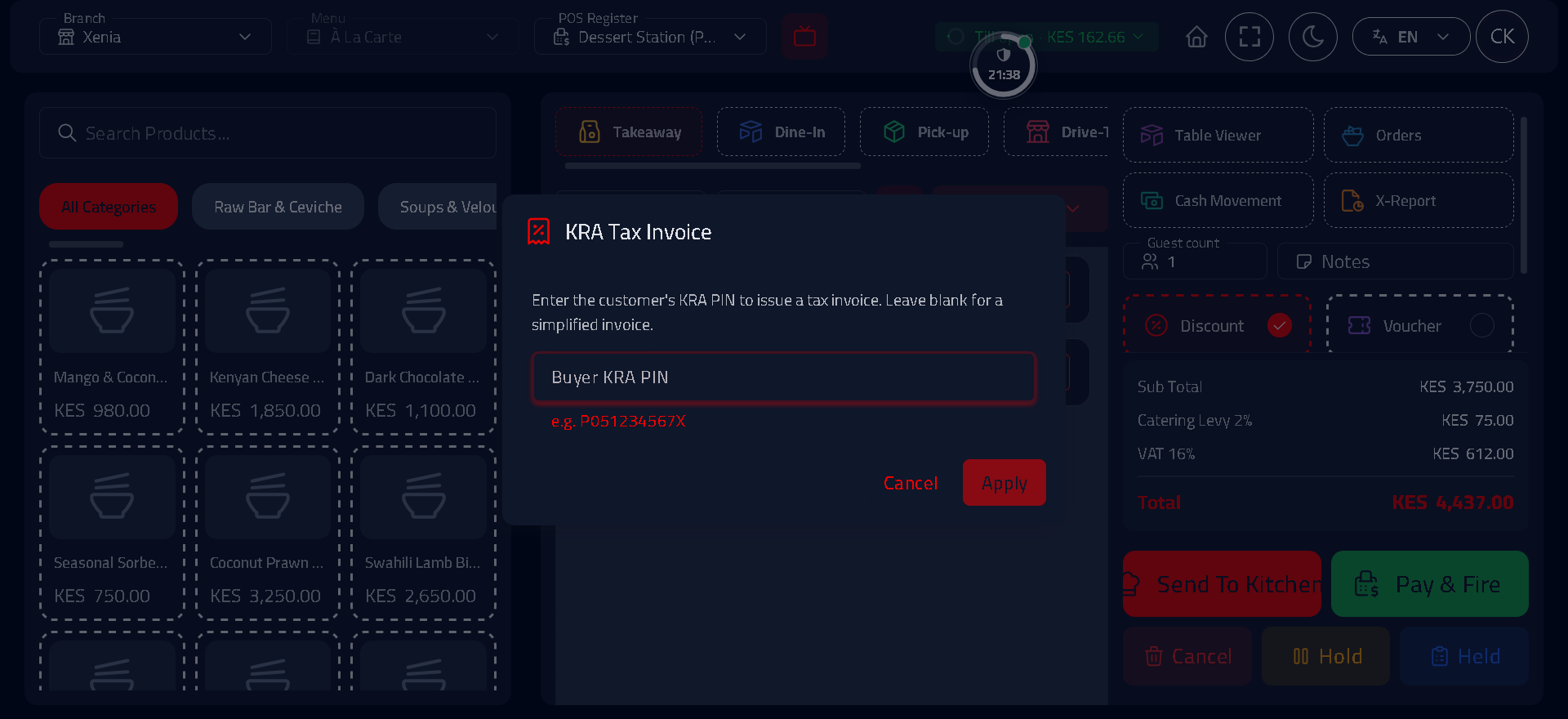
Every paid order produces a fiscal eTIMS invoice with a QR code. Products are mapped to KRA item codes once during setup.
Kitchen & printing
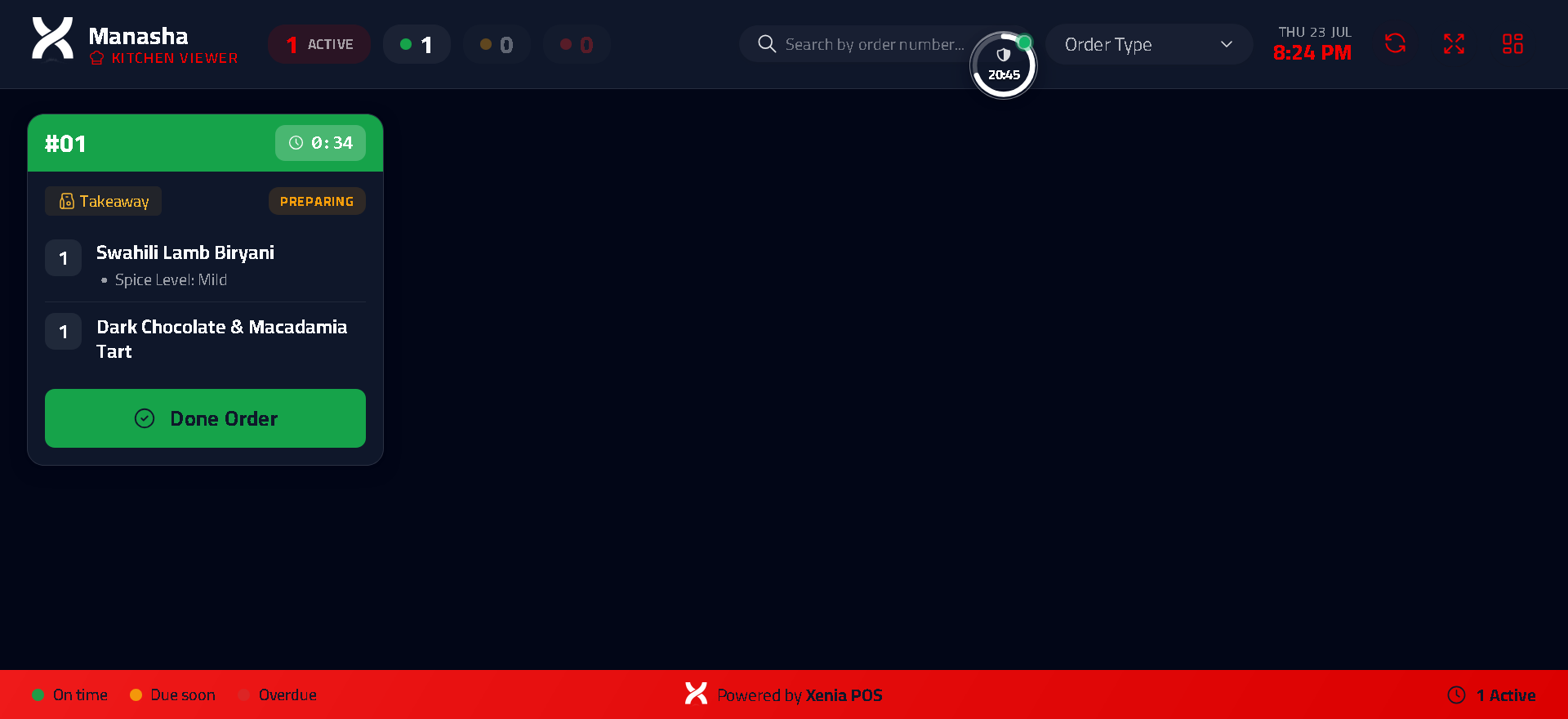
Send tickets to kitchen display screens or thermal printers, routed by station so each area sees only its own orders.
Inventory & stock
Track recipes, ingredient costs and live stock levels, with low‑stock alerts and physical stock‑takes to keep counts accurate.
Multi‑branch & reports
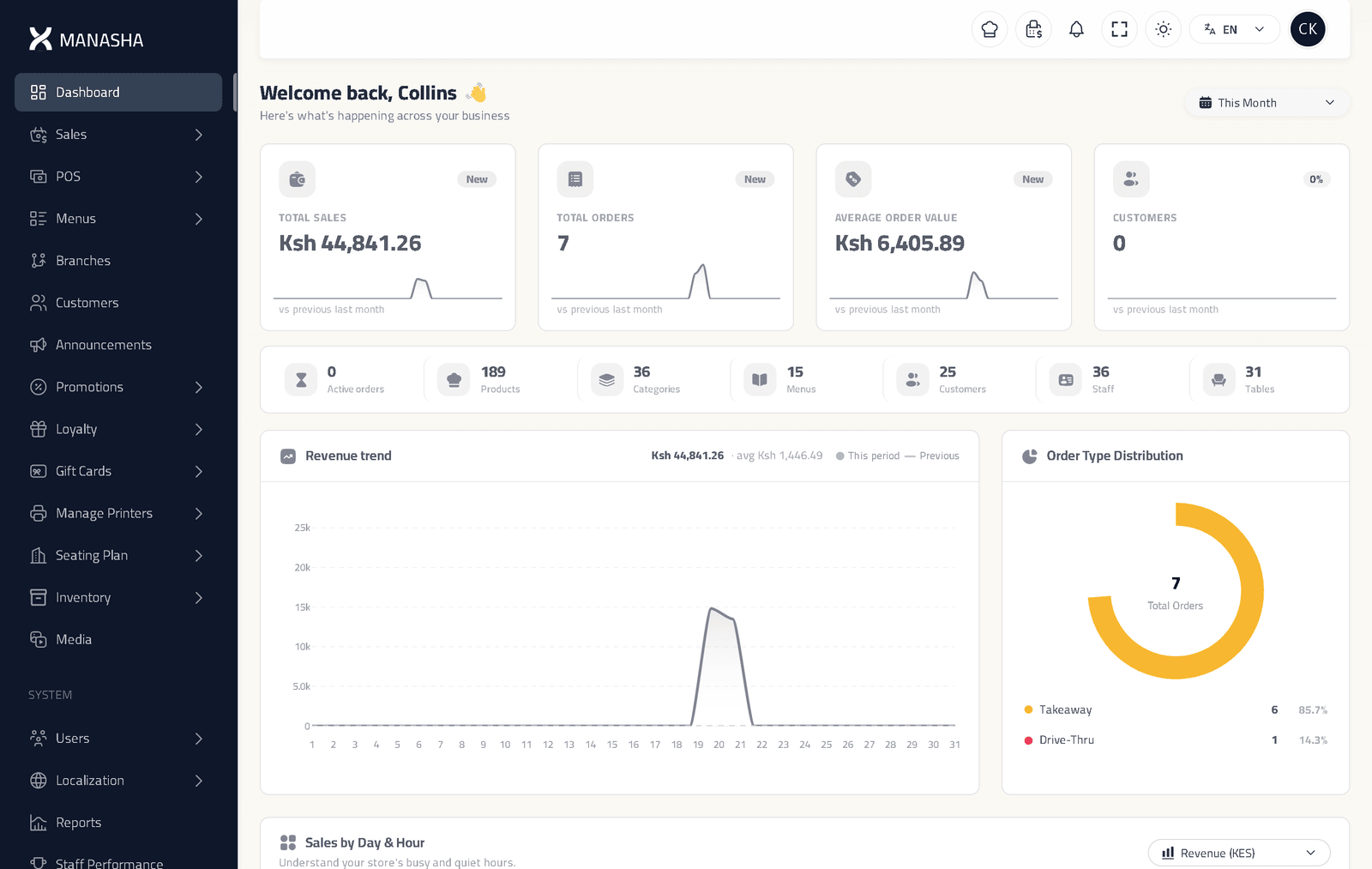
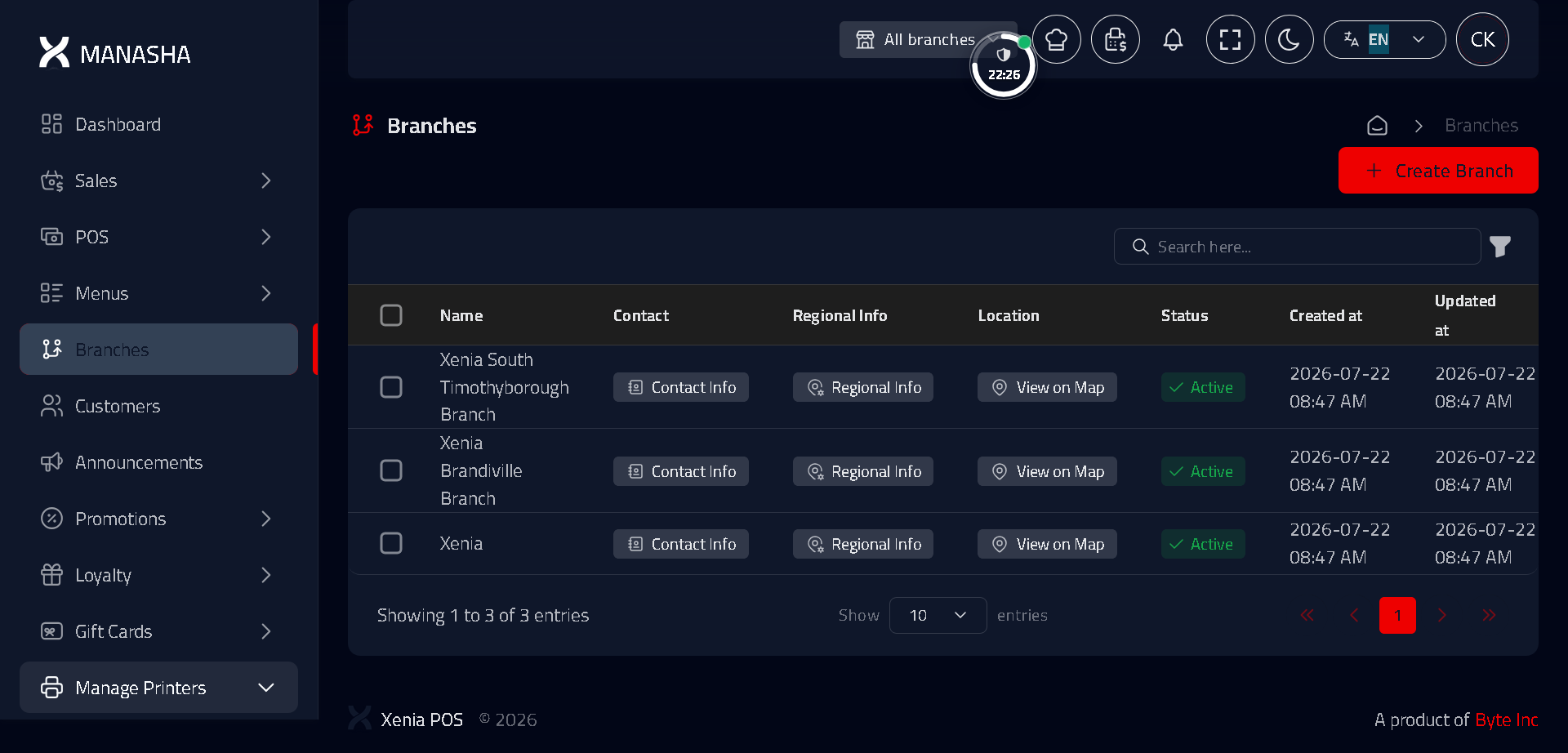
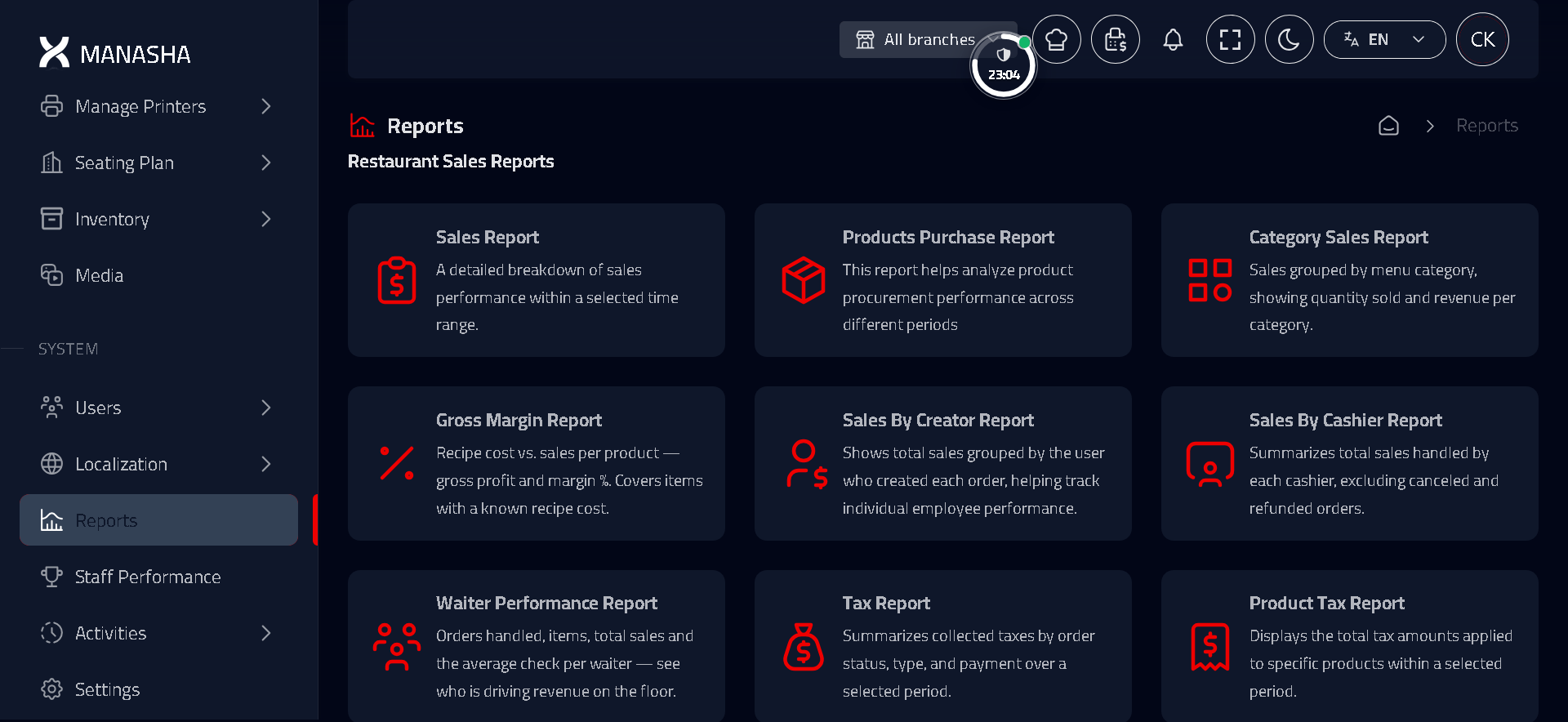
Run every branch from one account, with live sales, sales by staff member and end‑of‑day reports. Sensitive actions require a manager PIN.
In more detail
What each part of the system does.
Point of sale
A point‑of‑sale screen for every service type, built for speed.
- Dine‑in, takeaway, pick‑up and drive‑thru
- Floors, tables, rounds and seat‑by‑seat orders
- Split bills, merge tables, move an order to another table
- Modifiers, notes and course timing
Payments
Accept the payment methods your customers use, reconciled automatically.
- M‑Pesa STK push, matched to the order automatically
- Cash, card and split payments
- Deposits and partial payments
- Void and refund behind a manager PIN
KRA eTIMS & tax
Meet KRA requirements on every sale, without manual work.
- Fiscal invoice with a QR code on every sale
- VAT 16%, catering levy 2% and dine‑in service charge
- Map products to KRA item codes once
- A log of every eTIMS call for your records
Kitchen & printing
Send orders to the right screen or printer, every time.
- Kitchen display screens, one per station
- Network thermal receipt and kitchen printing
- Auto‑print on payment and dine‑in rounds
- Recall and bump tickets as they're done
Inventory & stock
Track stock and costs, with alerts before you run out.
- Recipes with real ingredient costs
- Live stock levels with low‑stock alerts
- Suppliers, purchase orders and stock‑takes
- Waste and a full stock‑movement history
Menus & QR ordering
Let customers order from the table by scanning a QR code.
- Branded QR menus for each branch
- Scan‑to‑order straight from the table
- Options, extras and dish photos
- Orders drop into the POS and kitchen
Loyalty & vouchers
Reward repeat customers and run promotions.
- Points programs with tiers and rewards
- Vouchers with conditions, days and limits
- Gift cards and promotions
- Customer profiles with order history
Reservations & floor
Take bookings and have tables ready to order on arrival.
- Phone bookings with a confirmation email
- A personal arrival link that unlocks ordering
- A visual floor and seating plan
- Tables seated and cleared from order events
Staff, roles & control
Give each member of staff their own sign‑in and control sensitive actions.
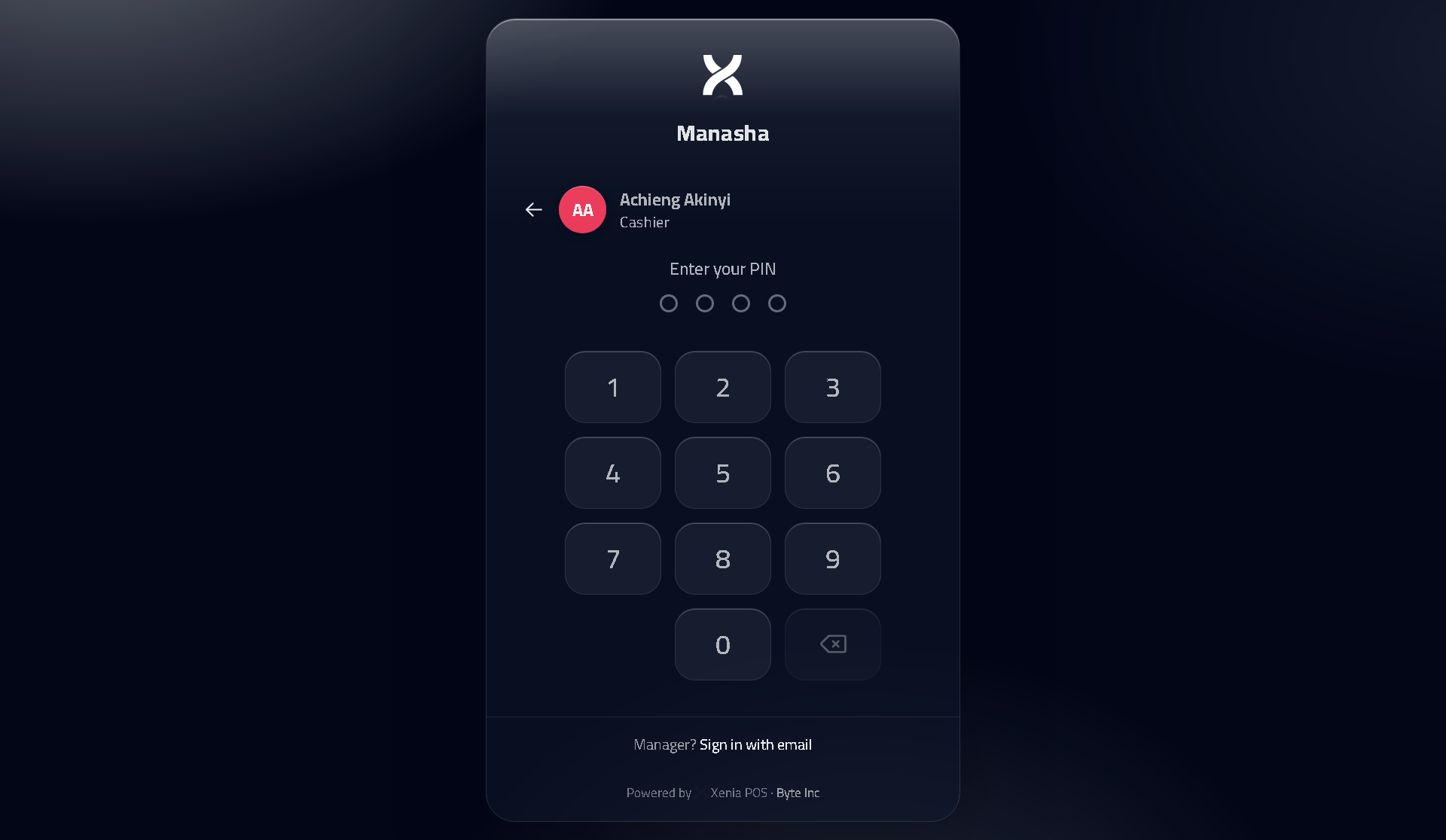
- 4‑digit PIN sign‑in for floor staff
- Roles for waiter, cashier, kitchen and manager
- Manager‑approved voids, refunds and discounts
- Void logs and a cash‑up that counts petty cash
Multi‑branch & reports
Run one branch or many, with reporting across the business.
- Run every outlet from one login
- Drop into a branch, or view all branches at once
- Sales by waiter, X‑reports and end‑of‑day reads
- A live owner dashboard and management reports
A closer look at the system
The screens your team uses every day, from the counter to the back office.
Fast order entry
A point‑of‑sale screen for dine‑in, takeaway, pick‑up and drive‑thru. M‑Pesa, VAT and the catering levy are calculated automatically.
Book a demoSee Xenia in action
Book a free demo and we will show Xenia running on your own menu and prices.
Book a free demo14‑day free trial. No card required.